Planners for Google Sheets
7 dealsReady-made planners that do the math for you. Each one opens as your own copy in free Google Sheets, on your phone or computer.
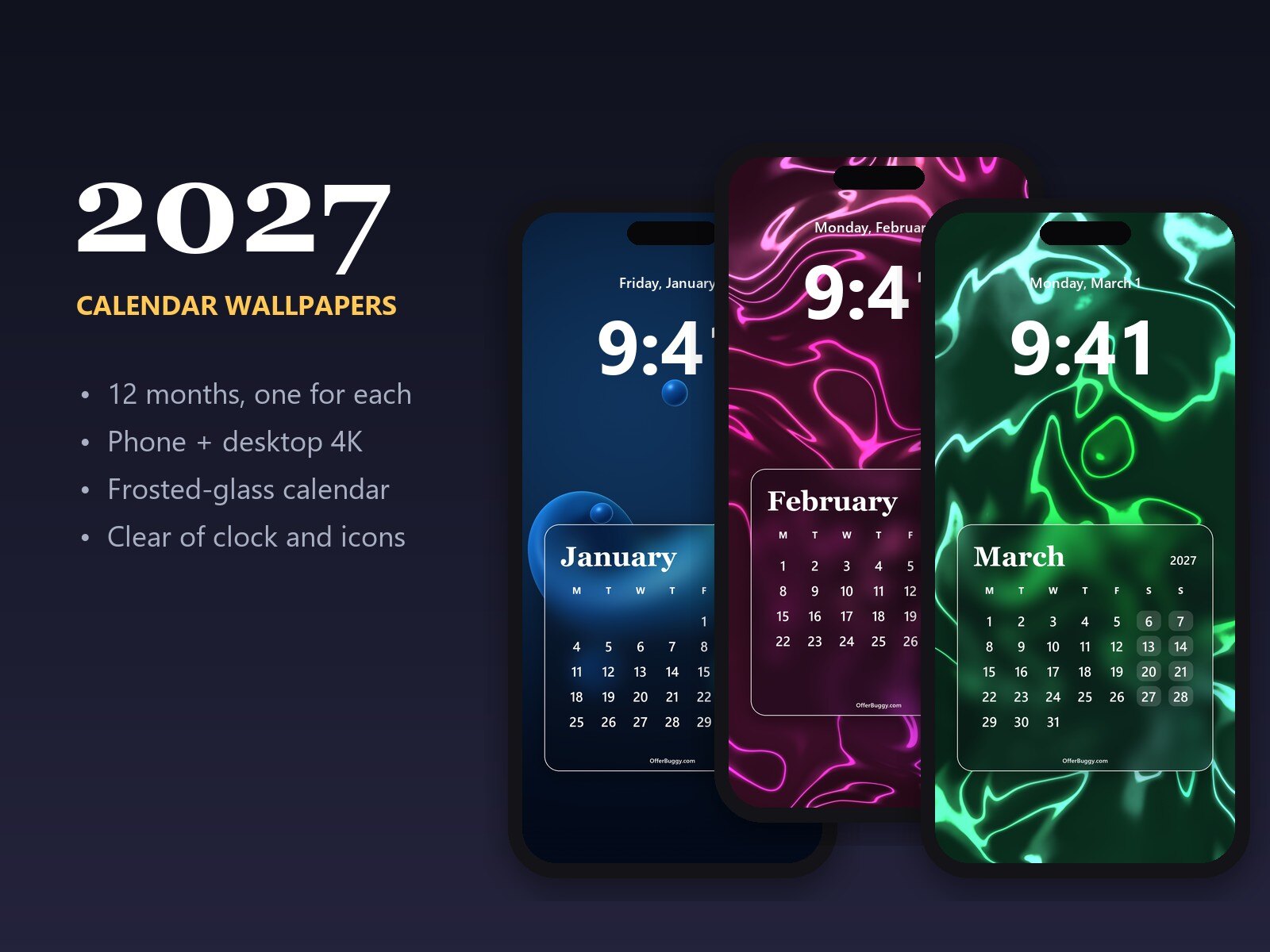
2027 Calendar Wallpapers: 12 Monthly Phone + Desktop 4K Backgrounds
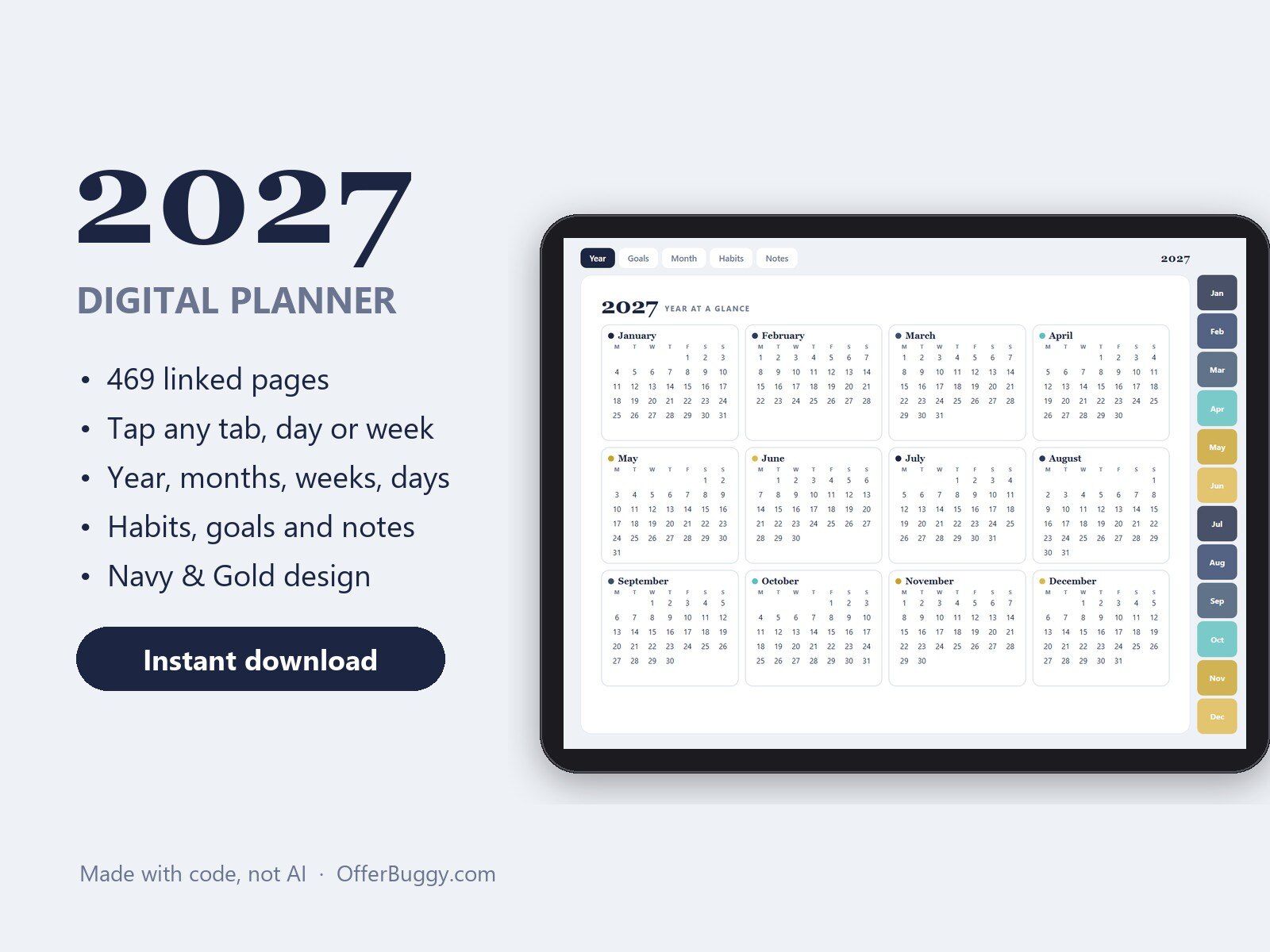
2027 Digital Planner for iPad & Tablets: 469 Linked Pages, Daily, Weekly, Monthly
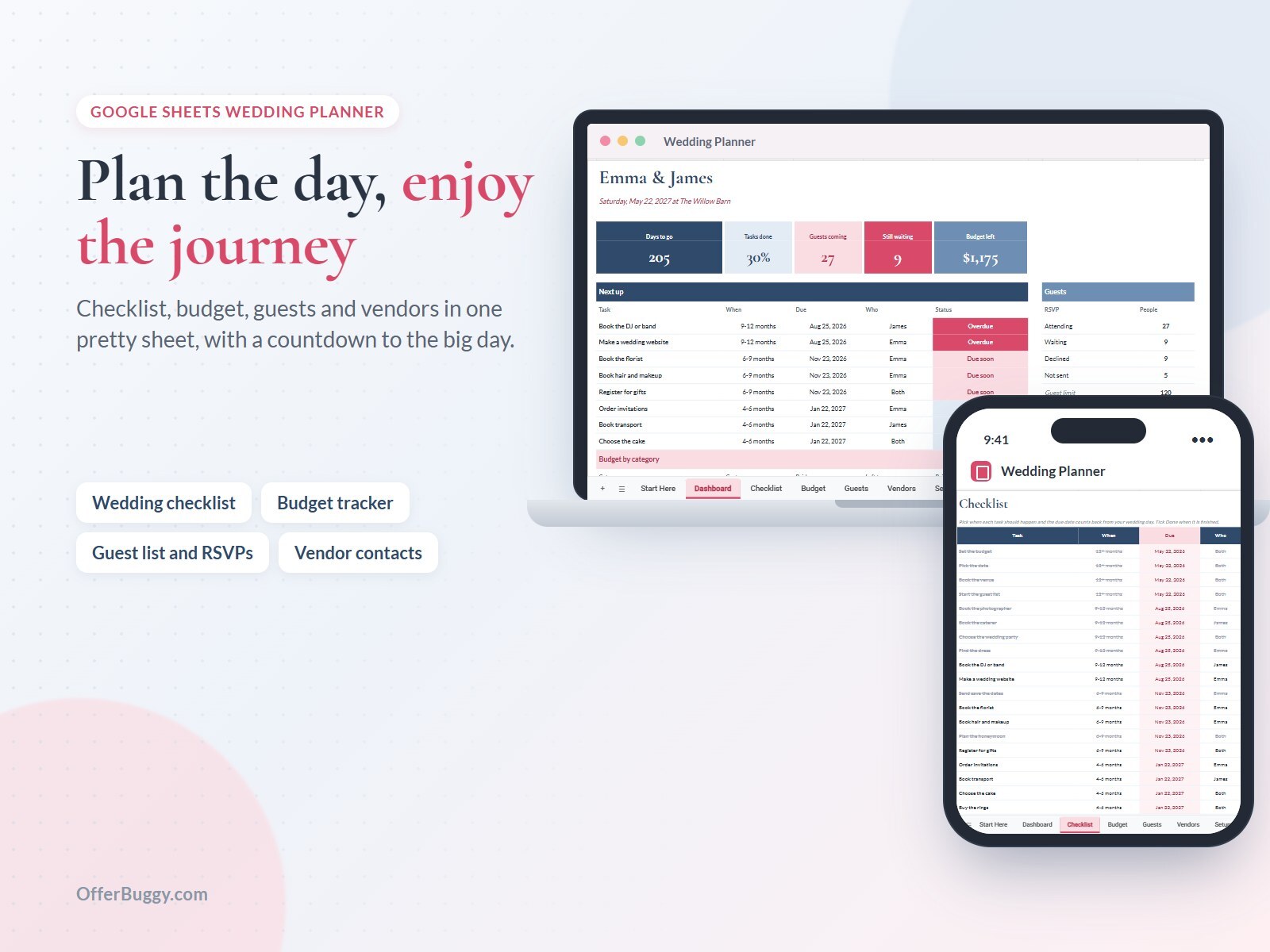
Wedding Planner for Google Sheets
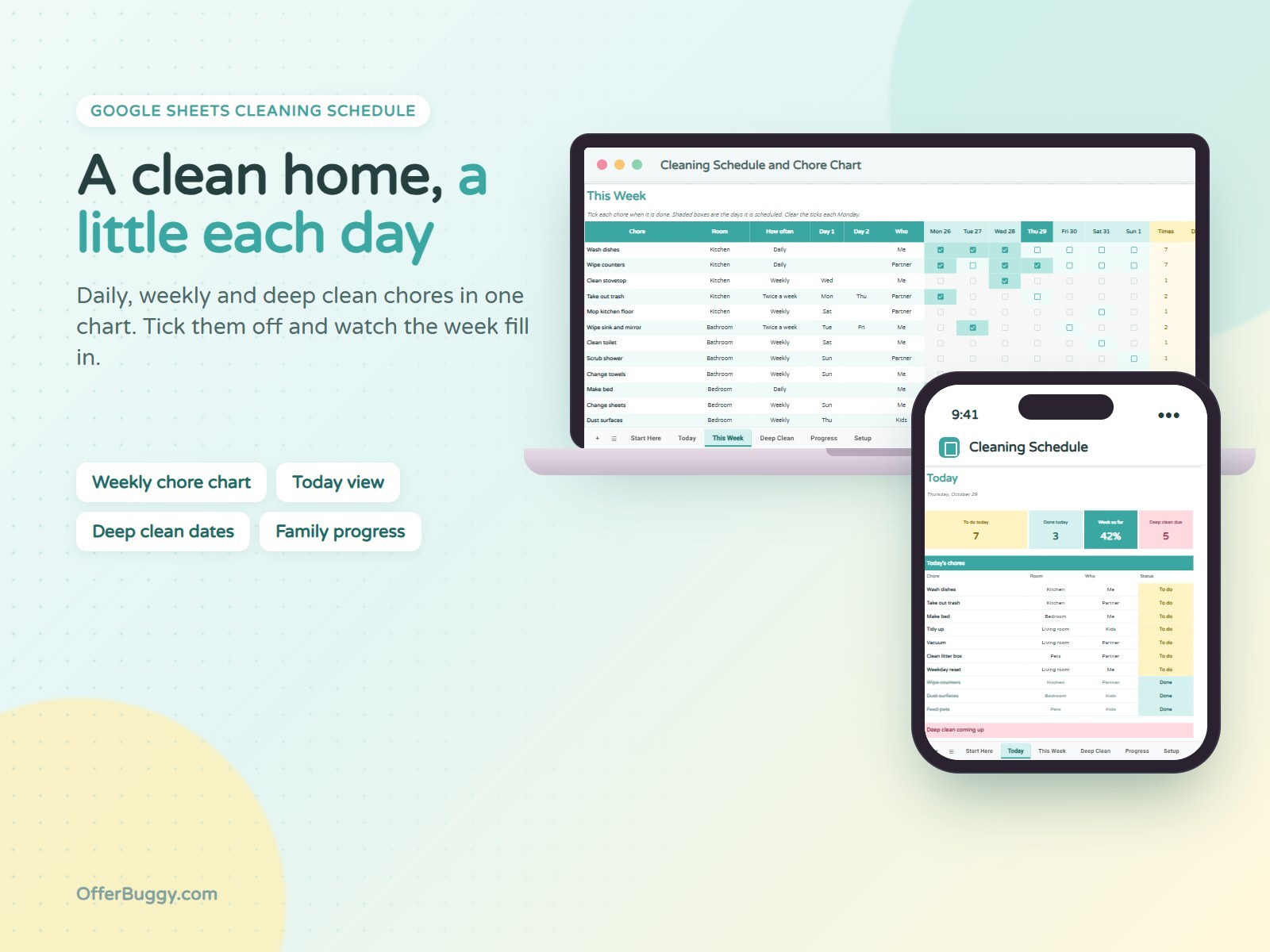
Cleaning Schedule & Chore Chart for Google Sheets
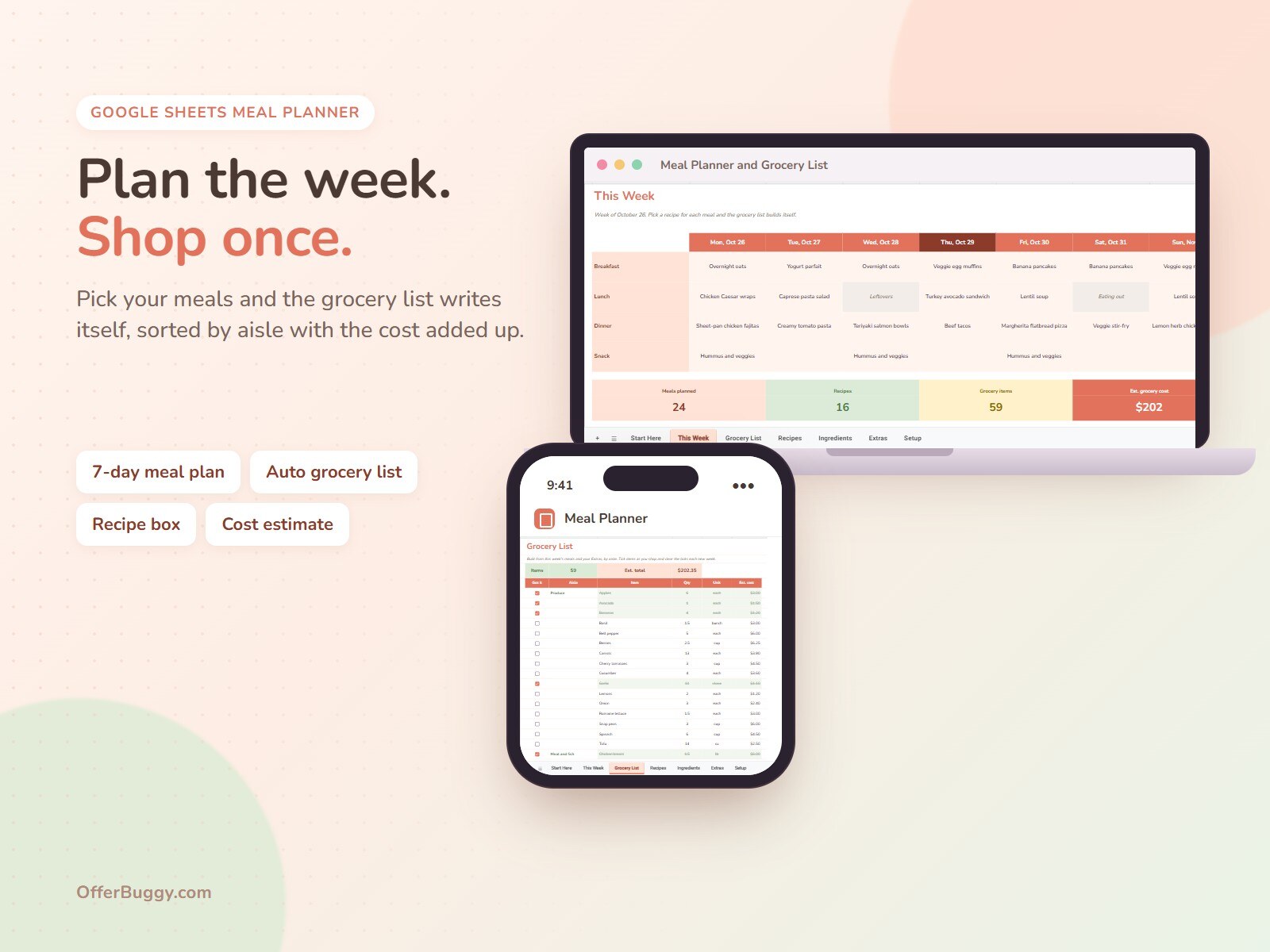
Meal Planner & Grocery List for Google Sheets
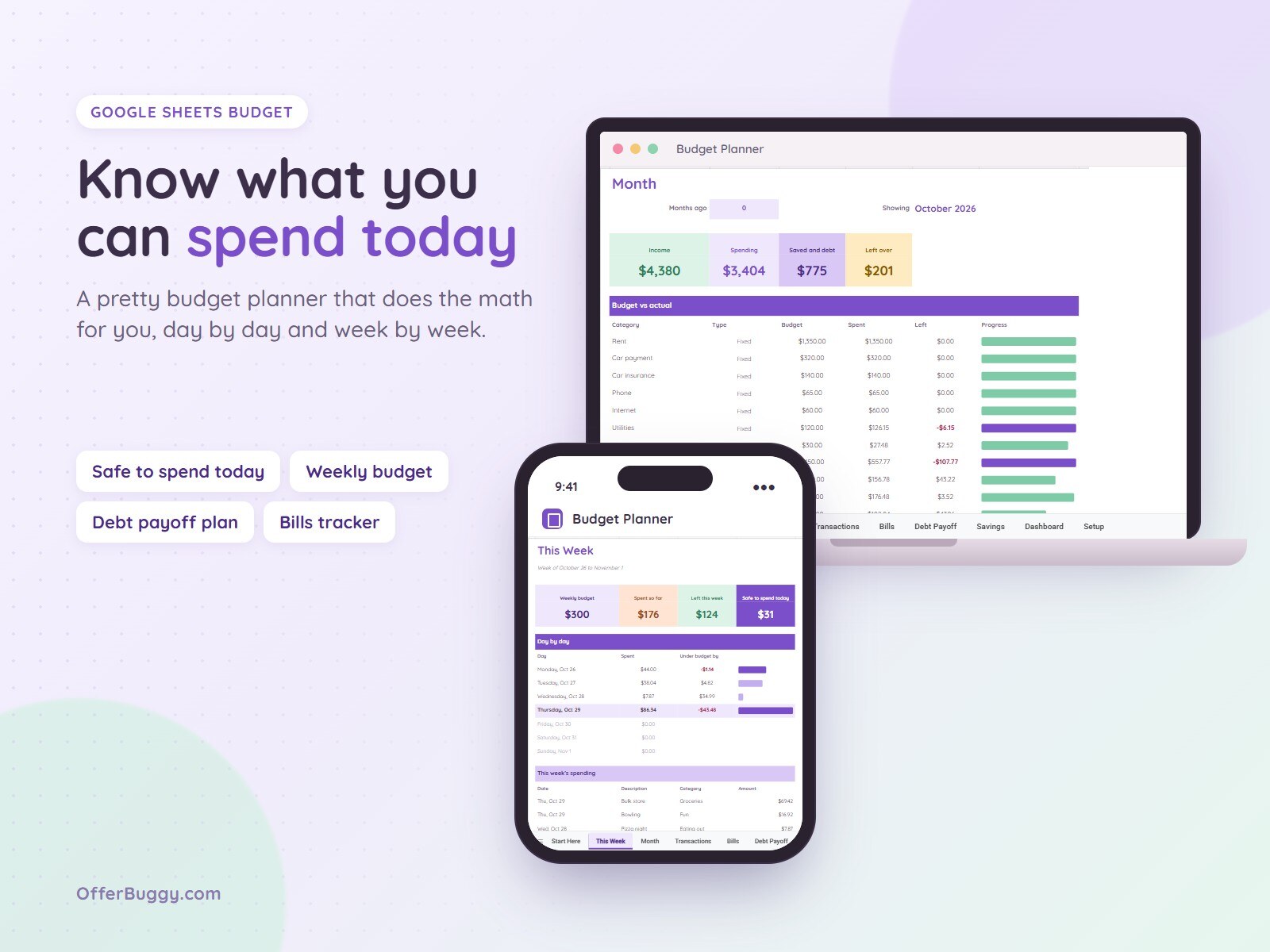
Budget Planner for Google Sheets
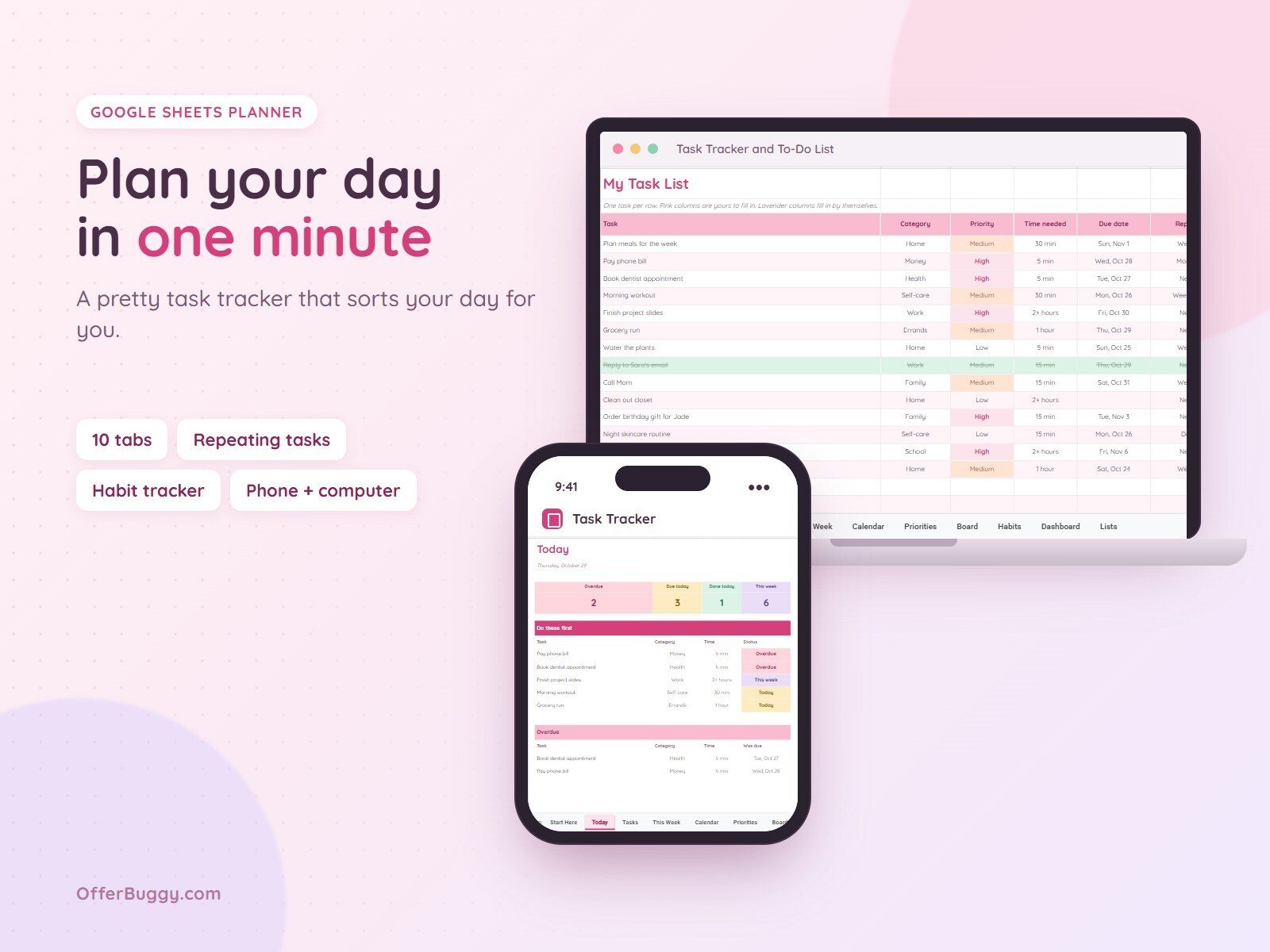
Task Tracker & To-Do List for Google Sheets
About Planners
Every OfferBuggy planner is a finished Google Sheets file, not a blank template. Formulas, dropdowns, checkboxes and colours are already set up, so you start typing your own plans the minute you open it.
Pick the one that fits what you are organising: the Budget Planner shows what you can safely spend today and tracks bills, debt and savings goals. The Meal Planner turns your week of meals into a grocery list. The Cleaning Schedule spreads chores across the week and month. The Wedding Planner counts down to the day with a checklist, budget, guest list and vendor contacts. The Task Tracker keeps your to-dos, due dates and progress in one place.
Each planner has its own colours and a dashboard that updates as you go. Your data stays in your own Google Drive; OfferBuggy never sees it.
What you get
- Your own copy in Google Sheets, no app or account with us needed
- Works on iPhone, Android, tablet and computer
- Dashboards and totals update on their own
- Free Google account is all you need
Questions
How do I get my planner after buying?
Your order page has your planner link. Open it and tap Make a copy, and the planner is saved in your own Google Drive, ready on any device.
Do I need Excel or a paid Google plan?
No. The planners are made for free Google Sheets. All you need is a free Google account.
Can I use it on my phone?
Yes. Open the sheet in the Google Sheets app on iPhone or Android. The checkboxes, dropdowns and dashboards all work there.
Can I change the categories and colours?
Yes. It is your copy, so you can rename categories, add rows and change anything you like.