A clean home, a little each day
Every chore in one chart, with a tick box for each day. Open Today, tick what you finish and watch the week fill in. Go on, try it.
Today
Tick a chore when it is done.
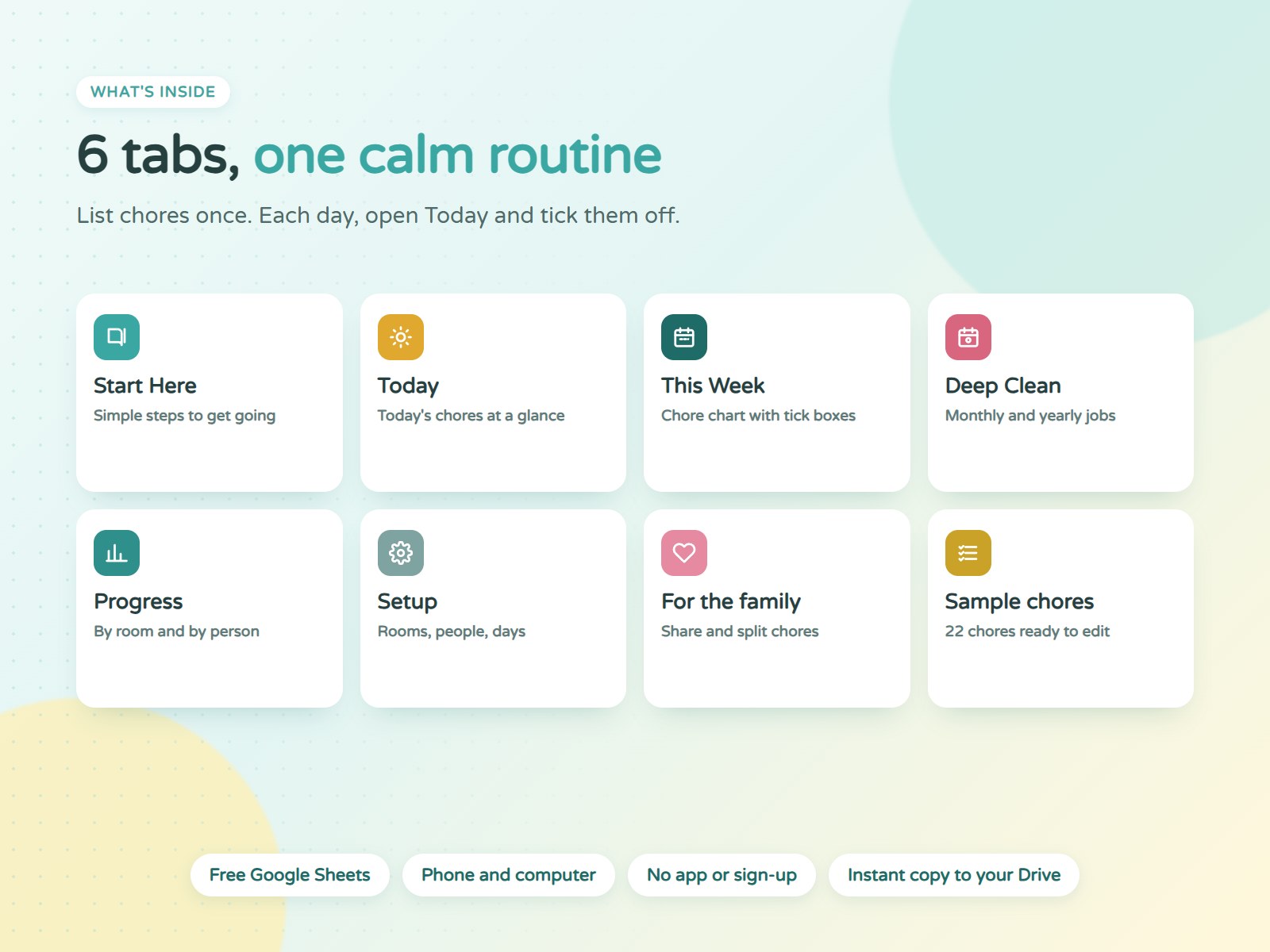
Six tabs that do the remembering
This Week
Your chore chart. Shaded boxes show when each chore is due, ticks count themselves.
Today
Open it each morning: what is due and what is done.
7
chores to do today
Deep Clean
Fridge, oven, grout, mattress. The next date fills in and overdue jobs turn pink.
5
big jobs due
Progress
How the week is going in every room, with a bar for each.
Everyone helps, everyone sees
Share the sheet, give each chore a name and Progress shows who did what this week. Kids love ticking the boxes.
Look inside before you buy
Good to know
Do I need Excel or an app?
No. It works in free Google Sheets in any browser and in the free Google Sheets app on iPhone and Android. You only need a Google account.
How do the shaded boxes know when a chore is due?
Pick how often for each chore: Daily, Weekdays, Weekends, Weekly or Twice a week. For weekly chores pick the day, and the right boxes shade themselves.
Can I use my own rooms and names?
Yes. Type your rooms and people on the Setup tab and the dropdowns update.
How do I start a new week?
Each Monday, select the tick boxes on This Week and press Delete. The dates move on by themselves.
Can my family use it too?
Yes. Share your copy with them from Google Sheets. Everyone can tick their own chores on their phone.
How do I get it after paying?
No account needed. Right after paying you land on your order page with your link, and we email you the same link to keep. Open it and tap Make a copy.
Does it work in Excel?
No. It is built for Google Sheets and uses formulas that only Google Sheets has.
Less mess, less stress
Six tabs, 22 sample chores and deep clean reminders, ready in your Google Drive in a minute.