Watermark a PDF, free
Add a see-through text watermark to every page, like DRAFT, CONFIDENTIAL, COPY or your business name.
or drop it here
Less paperwork, more business
Free tools are on us. These OfferBuggy downloads pick up where this tool leaves off.
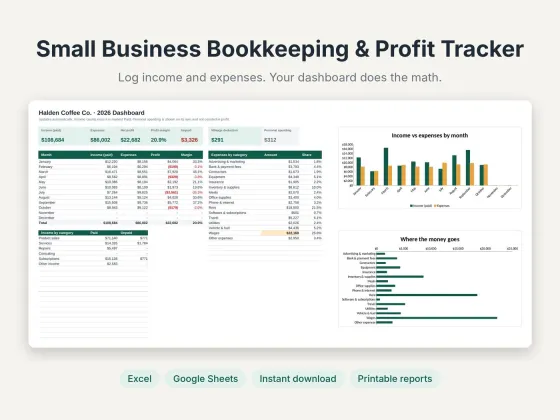 Small Business Bookkeeping & Profit TrackerTrack income, expenses and profit in one sheet.$11.69View
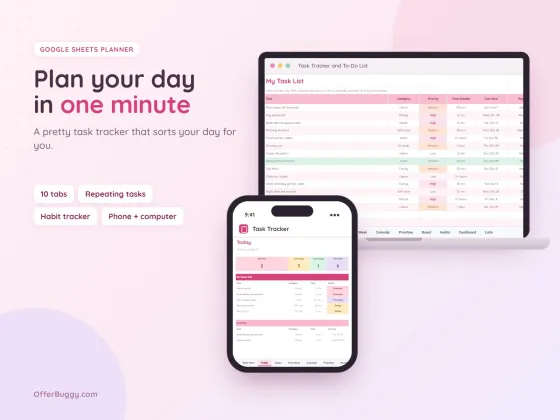 Task Tracker & To-Do List for Google SheetsKeep every job, deadline and follow-up in one place.$6.99View
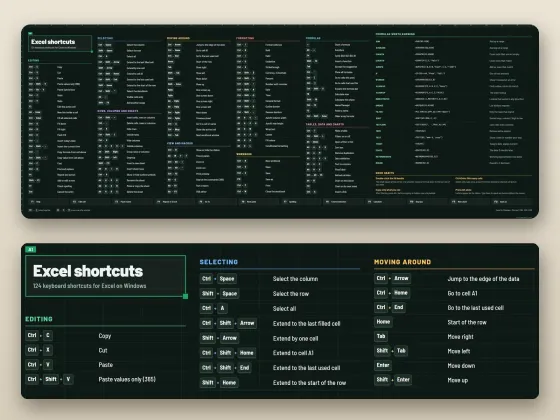 Excel Shortcuts Desk Mat + Cheat SheetThe shortcuts you need, right under your keyboard.$4.49View
Who uses it
Mark versions DRAFT so nobody signs or prints the wrong one.
Label sensitive documents before sharing.
Send designs or quotes stamped with your business name.
Stamp "COPY for [company] only" on ID copies you send.
What you get, free
- Any text up to 40 characters
- Diagonal or straight
- Light, medium or strong
- Every page stamped
- Text stays readable underneath
- Nothing uploaded
How to watermark PDF
- Choose your PDF.
- Type the watermark text.
- Pick the look and strength.
- Press Add watermark.
Protecting ID copies
When a landlord or company asks for a copy of your ID, a watermark like "For ABC Rentals application only" makes the copy much less useful to anyone else if it leaks.
Private by design
Your PDF is opened inside your own browser and never uploaded, so it is safe for contracts, IDs, medical forms and bank papers.
OfferBuggy vs Acrobat Pro
Tips for the best result
- Light strength keeps the page easy to read; Strong is harder to remove.
Questions
Can the watermark be removed?
It is drawn onto each page, so it is not easy to remove. For the strongest protection, choose Strong and diagonal.
Can I use my logo?
Text watermarks only for now. Your business name works well.
Is it safe for private documents?
Yes. The file is processed on your own device and is never sent to OfferBuggy or anyone else. Close the page and nothing is left behind.
Does it work on iPhone and Android?
Yes. It works in Safari and Chrome on phones and tablets, with no app to install.