Merge PDF files, free and unlimited
Add your PDFs, put them in order, and download one combined PDF. No file limit and no size limit.
or drop them here
Less paperwork, more business
Free tools are on us. These OfferBuggy downloads pick up where this tool leaves off.
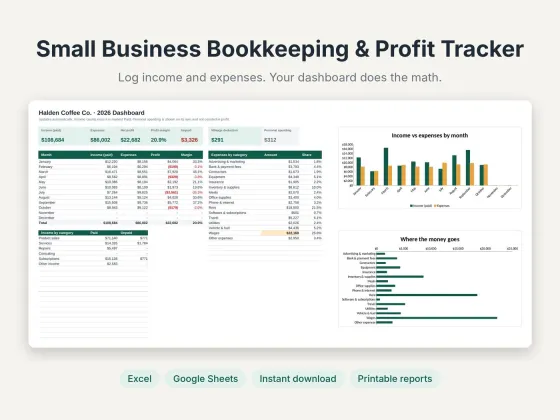 Small Business Bookkeeping & Profit TrackerTrack income, expenses and profit in one sheet.$11.69View
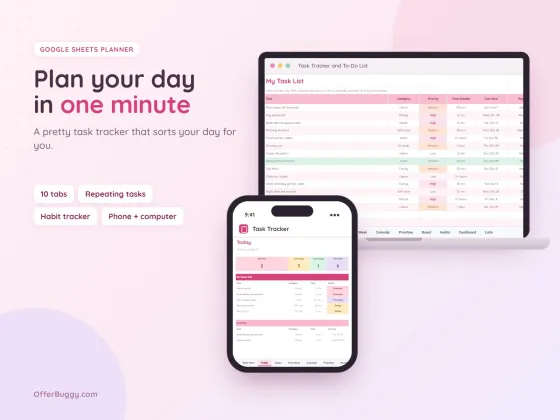 Task Tracker & To-Do List for Google SheetsKeep every job, deadline and follow-up in one place.$6.99View
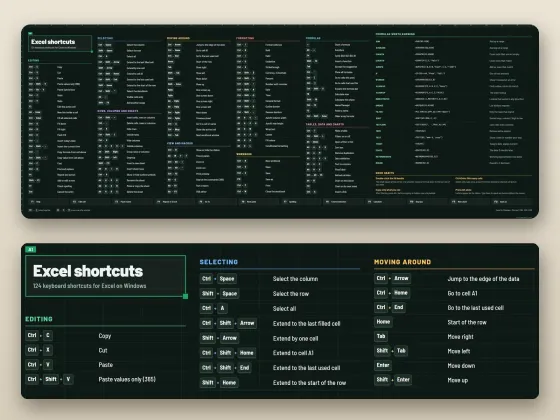 Excel Shortcuts Desk Mat + Cheat SheetThe shortcuts you need, right under your keyboard.$4.49View
Who uses it
Put your cover letter, resume and references into one PDF that recruiters can open in one click.
Combine pay stubs, bank statements and ID into the single file landlords and lenders ask for.
Join assignment pages, scans and a cover sheet into one file to upload.
Bundle invoices or receipts for a month into one file for your bookkeeper.
What you get, free
- Unlimited files and pages
- Drag-free ordering with up and down arrows
- Keeps links, text and quality exactly as they were
- No watermark added
- Works on phone, tablet and computer
- Nothing uploaded
How to merge PDF
- Choose your PDF files. You can pick several at once.
- Put them in order with the ↑ and ↓ buttons. Press × to drop one.
- Press Merge PDFs.
- Your combined PDF downloads as merged.pdf.
How merging works
Merging copies every page from each file into a new PDF, in the order you set. Pages are copied as they are, so text stays selectable, links keep working and nothing is re-compressed. That is why the merged file is about the size of the originals added together.
Getting the order right
Put the file people should read first at the top. For applications, that is usually the cover letter, then the resume, then supporting documents. Rename the result to something clear, like "Jane-Doe-Application.pdf", before you send it.
Private by design
Your PDF is opened inside your own browser and never uploaded, so it is safe for contracts, IDs, medical forms and bank papers.
OfferBuggy vs Acrobat Pro
Tips for the best result
- If the merged file is too big to email, run it through Compress PDF next.
- Need only some pages from a file? Use Split PDF first, then merge.
- Scanned pages sideways? Fix them with Rotate PDF before merging.
Questions
Is there a limit on files or size?
No. Merge as many PDFs as you want. Very large files just take a little longer because your own device does the work.
Will the quality change?
No. Pages are copied exactly, so text, images and links stay the same.
Is it safe for private documents?
Yes. The file is processed on your own device and is never sent to OfferBuggy or anyone else. Close the page and nothing is left behind.
What about password-protected PDFs?
Open the PDF with its password and save an unlocked copy first (Print to PDF works), then use the tool on that copy.
Does it work on iPhone and Android?
Yes. It works in Safari and Chrome on phones and tablets, with no app to install.