Transcribe audio and video to text, free
Upload a podcast, interview, lecture, voice note or video and get the full transcript. Copy it, or download it as text or as SRT and VTT subtitles.
or drop it here
The first time, the free speech AI downloads to your browser (about 80 MB).
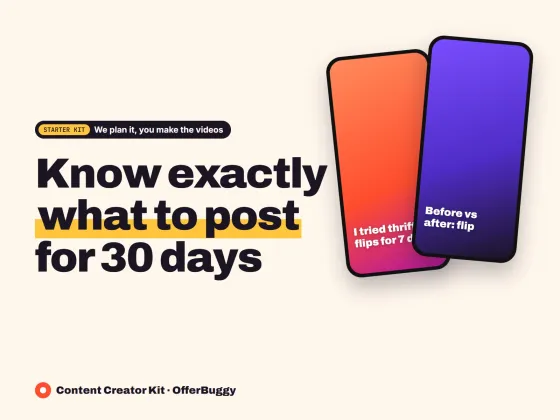
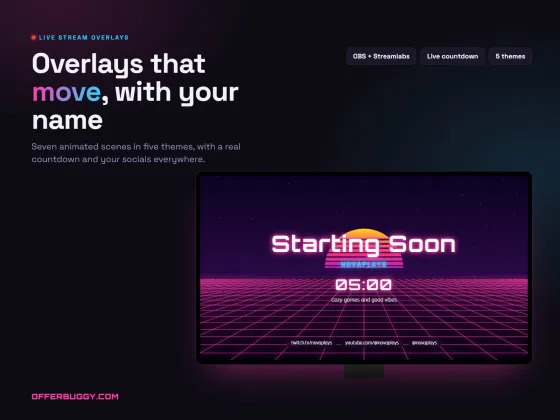
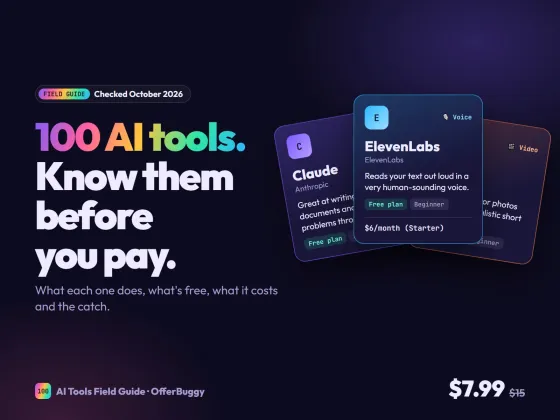
Grow faster as a creator
Free tools are on us. These OfferBuggy downloads pick up where this tool leaves off.
Who uses it
Turn episodes into show notes, blog posts and captions.
Get a searchable transcript to quote from instead of replaying the recording.
Study from text and find the exact part you need.
Turn ideas you recorded on the go into text you can edit.
What you get, free
- Accurate AI transcription (OpenAI Whisper, open source)
- 15+ languages, or detect automatically
- Timestamps every few sentences
- Download TXT, SRT or VTT subtitles
- Works with audio and video files
- Private: nothing is uploaded
How to transcribe audio and video to text
- Choose or drop your audio or video file.
- Pick the language, or leave it on Detect automatically.
- Press Transcribe and keep the tab open.
- Copy the text or download it as TXT, SRT or VTT.
How long it takes
The first time, the free speech AI (about 80 MB) downloads to your browser. On a recent computer, transcribing usually takes a few minutes for an hour of audio; phones are slower.
Private by design
Most transcription sites upload your recording to their servers. Here the AI runs on your own device, so it is safe for interviews, meetings and client calls.
Getting the best accuracy
Clear speech close to the microphone gives the best results. If the recording is noisy, clean it first with the free Voice cleaner.
OfferBuggy vs Otter.ai
Tips for the best result
- Choose the language instead of Detect for short clips.
- Use the SRT file to add captions on YouTube, Facebook or LinkedIn.
- Proofread names and brand words; AI can misspell them.
Questions
Is there a time limit?
No monthly limit. Each file can be up to 4 hours long.
Which languages work?
English, Spanish, French, German, Portuguese, Italian, Dutch, Hindi, Urdu, Arabic, Turkish, Russian, Japanese, Korean, Chinese and more.
Is my recording uploaded?
No. The AI runs in your browser and the recording stays on your device.
Can I get subtitles for a video?
Yes. Download the SRT or VTT file and add it in YouTube Studio, Facebook, LinkedIn or your video editor. To burn captions into the video itself, use the free Auto captions tool.