Free screen and webcam recorder, no time limit
Record your screen, a window or a browser tab, with your camera in a bubble and your voice. No time limit, no watermark and nothing to install.
Tip: when your browser asks what to share, pick the whole screen so the camera bubble is recorded too.
Grow faster as a creator
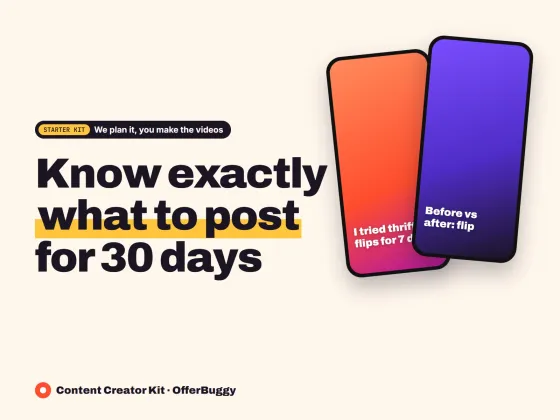
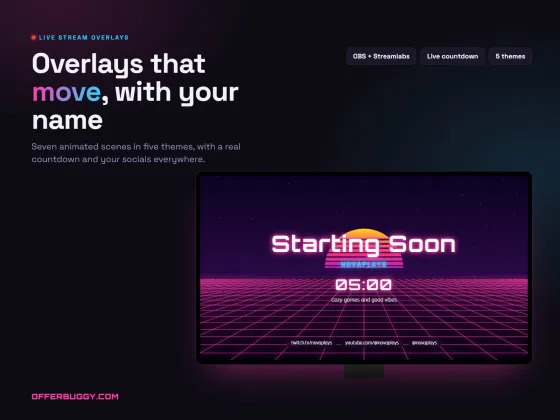
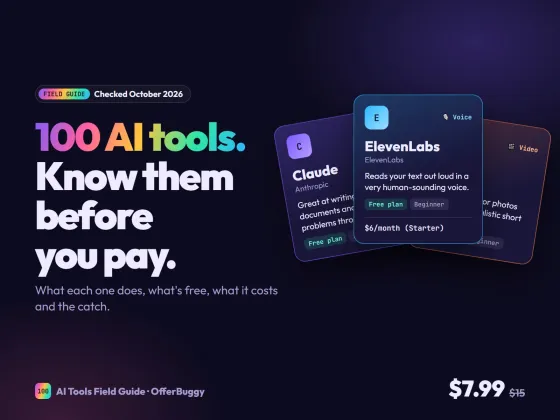
Free tools are on us. These OfferBuggy downloads pick up where this tool leaves off.
Who uses it
Show how to use an app, a website or a spreadsheet, step by step, with your voice.
Send a quick video instead of a long email or another meeting.
Record exactly what happens on screen so the other side sees the problem.
Record slides with your camera in the corner for students or customers.
What you get, free
- Record the whole screen, one window or a browser tab
- Camera bubble on top of your screen
- Microphone and computer sound
- Pause and resume
- No time limit and no watermark
- Saves an MP4 or WebM video to your device
How to screen and webcam recorder
- Choose what to record: screen with camera, screen only or camera only.
- Press Start recording and pick the screen, window or tab to share.
- Talk through your screen. Pause any time.
- Press Stop and save to download the video.
Why there is no time limit
Loom’s free plan stops at 5 minutes. This recorder runs in your own browser, so there is nothing for us to charge for and nothing to limit.
Getting the camera bubble
The camera shows in a small floating window. Share the whole screen so the bubble is part of the video, and drag it to any corner.
Recording computer sound
To include sound from a video or a meeting, share a browser tab and tick Share tab audio, or share the whole screen on Windows and tick Share system audio.
OfferBuggy vs Loom
Tips for the best result
- Close notifications and extra tabs before you start.
- Record in short parts; it is easier to redo one part than a whole video.
- Use a headset microphone for clear sound.
Questions
Is there a time limit?
No. Record as long as you like. Very long recordings need free space on your device.
Does it work on a phone?
Phones do not allow websites to record the screen, so on a phone you can record your camera. Screen recording works in Chrome, Edge, Firefox and Safari on a computer.
What format is the video?
MP4 in most browsers, or WebM. Both play in VLC and upload to YouTube, Google Drive and most apps.
Is my video uploaded anywhere?
No. It is recorded and saved on your own device.