Rotate PDF pages and save, free
Rotate single pages or the whole PDF, then download it. Rotation is saved in the file, so it stays fixed everywhere.
or drop it here
Less paperwork, more business
Free tools are on us. These OfferBuggy downloads pick up where this tool leaves off.
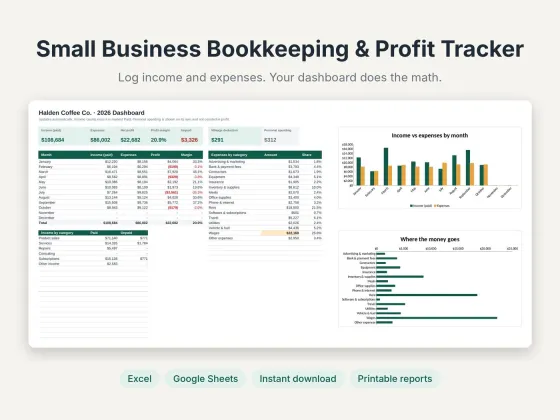 Small Business Bookkeeping & Profit TrackerTrack income, expenses and profit in one sheet.$11.69View
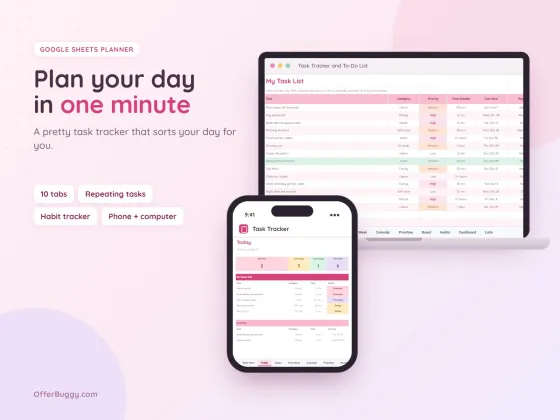 Task Tracker & To-Do List for Google SheetsKeep every job, deadline and follow-up in one place.$6.99View
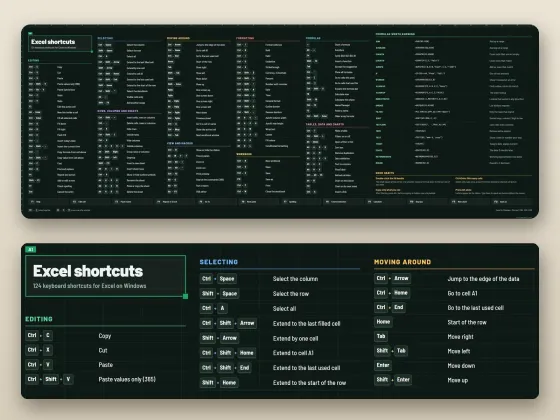 Excel Shortcuts Desk Mat + Cheat SheetThe shortcuts you need, right under your keyboard.$4.49View
Who uses it
Fix receipts and documents that scanned sideways or upside down.
Turn landscape tables and charts so they read the right way.
Make sure the file opens the right way for whoever reads it.
Get pages facing the right way before you print.
What you get, free
- See every page as a thumbnail
- Rotate one page or all at once
- Also delete and reorder pages
- Rotation is saved in the file
- No watermark
- Nothing uploaded
How to rotate PDF
- Choose your PDF. Every page appears as a small picture.
- Press ↻ on a page to turn it 90°, or Rotate all.
- Optionally remove pages with × or move them with ← →.
- Press Download PDF.
Rotation that sticks
Many PDF viewers only rotate the view, and the file opens sideways again next time. This tool saves the rotation inside the PDF, so it opens the right way for everyone, on every device.
Private by design
Your PDF is opened inside your own browser and never uploaded, so it is safe for contracts, IDs, medical forms and bank papers.
OfferBuggy vs Acrobat Pro
Tips for the best result
- Press ↻ twice to turn a page upside down, three times to turn it left.
- Scanning lots of documents? Combine them with Merge PDF afterwards.
Questions
Will the rotation stay when I reopen the file?
Yes. It is saved in the PDF itself, not just the view.
Can I rotate only some pages?
Yes. Press ↻ on just the pages you want to turn.
Is it safe for private documents?
Yes. The file is processed on your own device and is never sent to OfferBuggy or anyone else. Close the page and nothing is left behind.
Does it work on iPhone and Android?
Yes. It works in Safari and Chrome on phones and tablets, with no app to install.