Remove background noise from audio, free
Upload a voice recording or a video and get clean, clear speech back. Background noise, fans, traffic, hum and rumble are removed, and the volume is evened out.
or drop it here
Works best on speech: podcasts, voiceovers, Reels, lectures and calls.
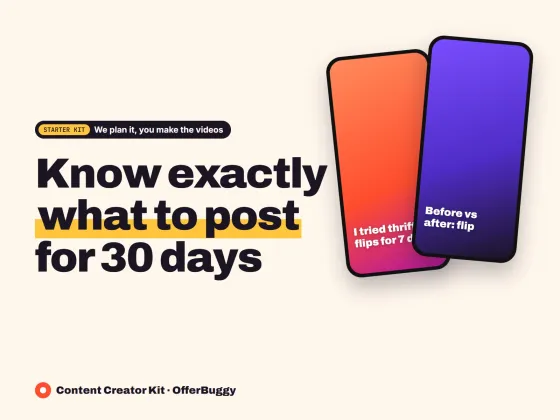
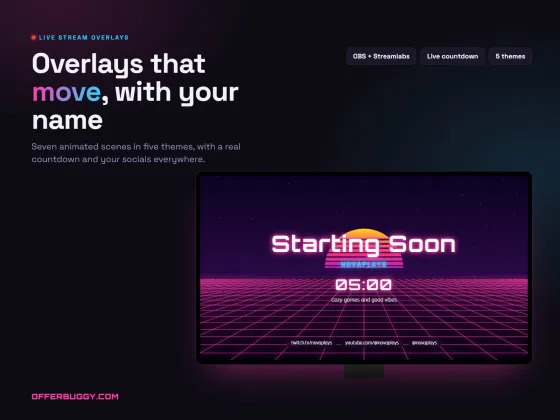
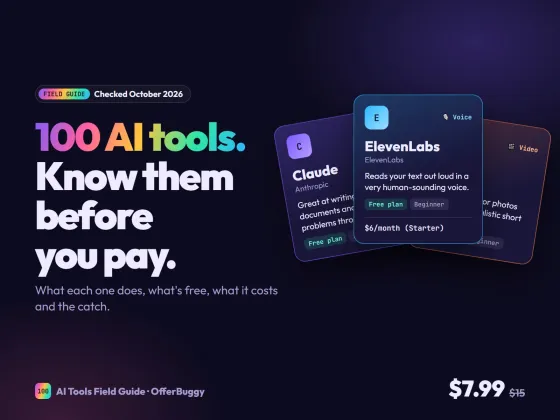
Grow faster as a creator
Free tools are on us. These OfferBuggy downloads pick up where this tool leaves off.
Who uses it
Clean up a recording made in a home office, a car or a busy room.
Fix the sound of a talking video recorded outside or with a fan running.
Make recorded classes and phone interviews easier to understand.
Get clear, even sound across every lesson without a sound engineer.
What you get, free
- AI noise removal made for speech
- Removes fans, traffic, keyboard and hum
- Cuts low rumble from wind and handling
- Evens out loud and quiet parts
- Before and after preview
- Works with MP3, M4A, WAV and the sound of MP4 videos
How to voice cleaner and noise remover
- Choose or drop your recording or video.
- Keep Remove low rumble and Even out the volume on for most recordings.
- Press Clean my audio.
- Compare Before and After, then download the clean audio.
How it works
It uses RNNoise, an open-source AI model trained to tell speech from noise. It runs inside your browser, so your recording is never uploaded.
Using it with a video
Upload the video, clean its sound and download the clean audio. Then replace the sound in your editor, such as CapCut, iMovie or Premiere, and line it up with the start.
What it cannot fix
It removes steady background noise very well. It cannot fully remove music, other people talking over you or a lot of room echo.
OfferBuggy vs Adobe Podcast
Tips for the best result
- Record a few seconds of silence at the start; it helps you hear the difference.
- Speak close to the microphone for the clearest result.
- Clean the audio before adding music.
Questions
Which files work?
MP3, M4A, WAV, AAC and OGG audio, and the sound from MP4 and MOV videos.
What do I get back?
A WAV file with the clean sound, which works in every editor and app.
Is my recording uploaded?
No. It is cleaned on your own device.
Does it work on a phone?
Yes, in Chrome and Safari. Long recordings are faster on a computer.