PDF to Word, free
Convert a PDF into an editable Word file (.docx). Headings, paragraphs and page breaks are kept, so you can fix and reuse the text.
or drop it here
Works with PDFs that have real text. Scanned pages are pictures and come out empty.
Less paperwork, more business
Free tools are on us. These OfferBuggy downloads pick up where this tool leaves off.
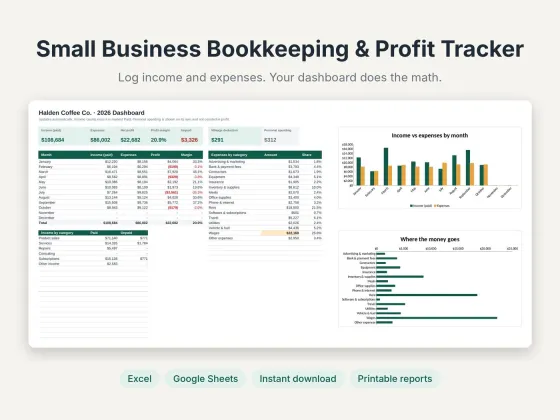 Small Business Bookkeeping & Profit TrackerTrack income, expenses and profit in one sheet.$11.69View
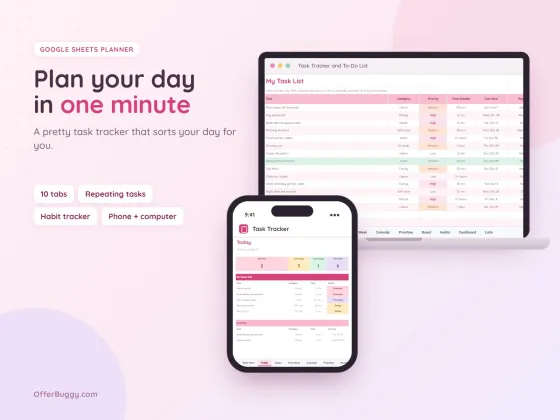 Task Tracker & To-Do List for Google SheetsKeep every job, deadline and follow-up in one place.$6.99View
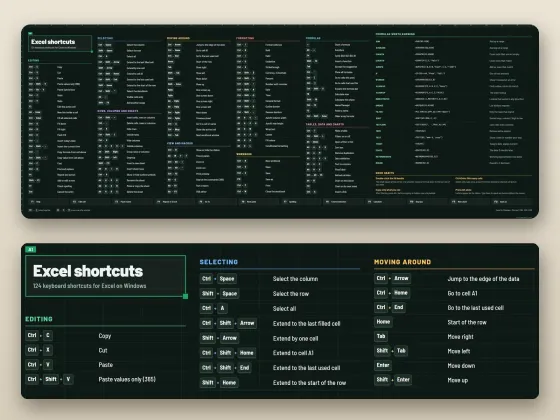 Excel Shortcuts Desk Mat + Cheat SheetThe shortcuts you need, right under your keyboard.$4.49View
Who uses it
Update a contract, policy or letter you only have as a PDF.
Pull the text from a report into your own document without retyping.
Turn an old resume PDF back into a Word file you can update.
Rebuild a PDF form as an editable template.
What you get, free
- Editable .docx for Word and Google Docs
- Headings detected from text size
- Paragraphs joined back together
- A page break for each page
- Word count shown
- Nothing uploaded
How to pDF to Word
- Choose your PDF.
- Press Convert to Word.
- Open the .docx in Word, Google Docs or Pages.
- Check the formatting and edit freely.
What comes across
The text, headings, paragraphs and page breaks come across, so the document is ready to edit. Exact fonts, columns, tables and images are not rebuilt, so very designed PDFs need some tidying.
Scanned PDFs
A scanned page is a picture of text, not text. Those come out empty. Retyping or an OCR scanner app is needed for those.
Private by design
Your PDF is opened inside your own browser and never uploaded, so it is safe for contracts, IDs, medical forms and bank papers.
OfferBuggy vs Acrobat Pro
Tips for the best result
- Open in Google Docs to fix spacing quickly with Format › Clear formatting.
Questions
Will it look exactly like the PDF?
The text and structure come across; layouts with columns, tables and images are simplified.
Does it work with Google Docs?
Yes. Upload the .docx to Google Drive and open it with Google Docs.
Is it safe for private documents?
Yes. The file is processed on your own device and is never sent to OfferBuggy or anyone else. Close the page and nothing is left behind.
Does it work on iPhone and Android?
Yes. It works in Safari and Chrome on phones and tablets, with no app to install.