PDF to JPG, free
Turn each page of a PDF into a high-quality JPG or PNG image. Perfect for posting a page online or putting it in a presentation.
or drop it here
Less paperwork, more business
Free tools are on us. These OfferBuggy downloads pick up where this tool leaves off.
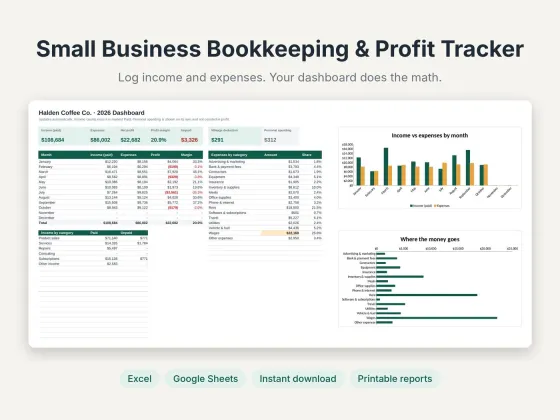 Small Business Bookkeeping & Profit TrackerTrack income, expenses and profit in one sheet.$11.69View
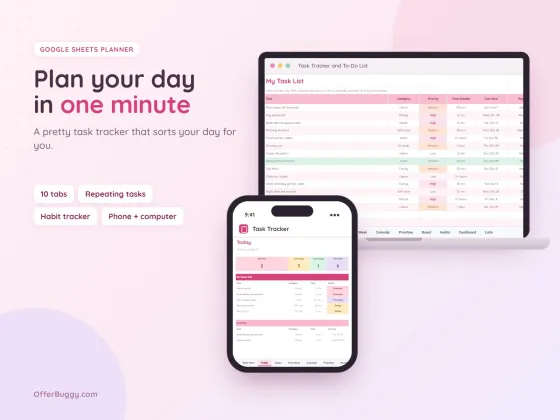 Task Tracker & To-Do List for Google SheetsKeep every job, deadline and follow-up in one place.$6.99View
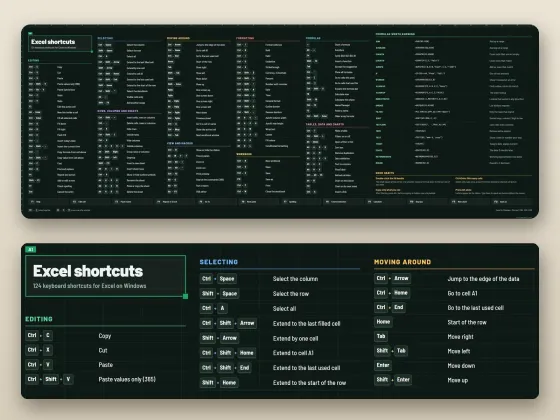 Excel Shortcuts Desk Mat + Cheat SheetThe shortcuts you need, right under your keyboard.$4.49View
Who uses it
Post a page of a flyer, menu or report as an image.
Drop a PDF page into PowerPoint, Google Slides or Canva as a picture.
Upload a page where only images are accepted.
Get print-ready 300 DPI images of each page.
What you get, free
- JPG or PNG
- Up to 300 DPI print quality
- Every page converted
- Many pages come in one zip
- No watermark
- Nothing uploaded
How to pDF to JPG
- Choose your PDF.
- Pick JPG or PNG and the quality.
- Press Convert to images.
- One page downloads as an image; more pages come as a zip.
JPG or PNG?
JPG makes smaller files and is right for most uses. PNG keeps text and lines perfectly crisp and supports exact colors, but files are bigger.
What DPI means
DPI is how sharp the image is when printed. 110 DPI is fine for screens, 200 DPI for most uses, and 300 DPI for printing.
Private by design
Your PDF is opened inside your own browser and never uploaded, so it is safe for contracts, IDs, medical forms and bank papers.
OfferBuggy vs Smallpdf Pro
Tips for the best result
- For Instagram, JPG at High quality is plenty.
- Need the pictures back into a PDF later? Use JPG to PDF.
Questions
Will the images be sharp?
Yes. Pick Print (300 DPI) for the sharpest result.
Can I convert only one page?
Convert the whole PDF and keep the image you need, or use Split PDF first.
Is it safe for private documents?
Yes. The file is processed on your own device and is never sent to OfferBuggy or anyone else. Close the page and nothing is left behind.
Does it work on iPhone and Android?
Yes. It works in Safari and Chrome on phones and tablets, with no app to install.