JPG to PDF, free
Add JPG, PNG or phone photos, put them in order, pick a page size, and download one PDF. Great for receipts, IDs and homework.
or drop them here
Less paperwork, more business
Free tools are on us. These OfferBuggy downloads pick up where this tool leaves off.
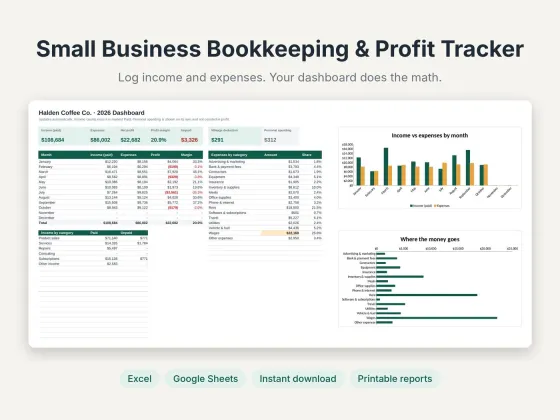 Small Business Bookkeeping & Profit TrackerTrack income, expenses and profit in one sheet.$11.69View
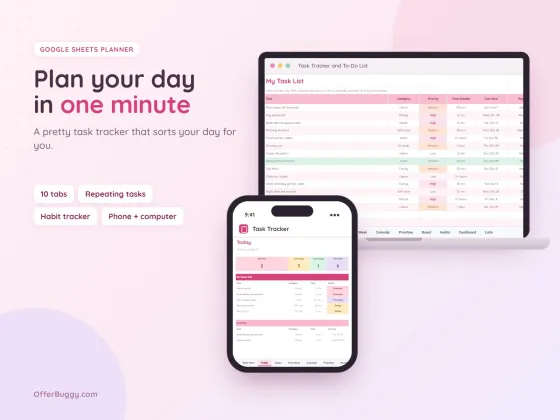 Task Tracker & To-Do List for Google SheetsKeep every job, deadline and follow-up in one place.$6.99View
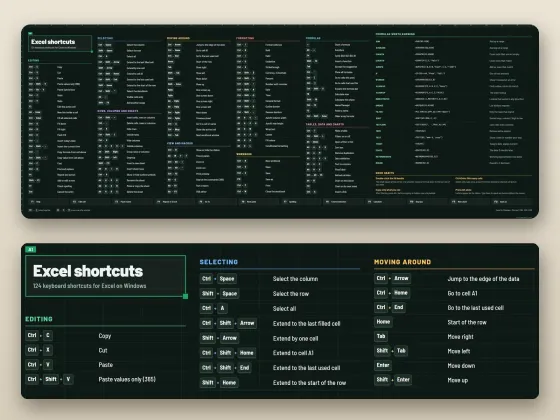 Excel Shortcuts Desk Mat + Cheat SheetThe shortcuts you need, right under your keyboard.$4.49View
Who uses it
Turn photos of receipts into one PDF for expense reports.
Make a clean PDF of your license or passport photos for an application.
Snap each page of handwritten work and hand in one PDF.
Put product or work photos together into one shareable file.
What you get, free
- JPG, PNG, WebP and phone photos
- Many images into one PDF
- Letter, A4 or the image’s own size
- Margins on or off
- Pages turn landscape for wide photos
- Nothing uploaded
How to jPG to PDF
- Choose your images. You can add more anytime.
- Put them in order with ↑, or remove one with ×.
- Pick a page size and margin.
- Press Make PDF and it downloads.
Picking a page size
US Letter is the standard for American offices, schools and printers. A4 is used almost everywhere else. "Same as each image" makes each page the exact size of its photo, which is best for screens.
Private by design
Your PDF is opened inside your own browser and never uploaded, so it is safe for contracts, IDs, medical forms and bank papers.
OfferBuggy vs iLovePDF
Tips for the best result
- Take photos in good light from straight above for the clearest pages.
- Big file? Run the PDF through Compress PDF before emailing.
Questions
Can I convert iPhone photos?
Yes. Choose them from Photos. Most iPhones share photos as JPG when you pick them in a browser.
Is there a limit on images?
No. Add as many as you want.
Is it safe for private documents?
Yes. The file is processed on your own device and is never sent to OfferBuggy or anyone else. Close the page and nothing is left behind.
Does it work on iPhone and Android?
Yes. It works in Safari and Chrome on phones and tablets, with no app to install.