Compress a PDF, free
Shrink big PDFs, like scans and photo-heavy files, so they fit email and upload limits. See the new size before you download.
or drop it here
Compression turns each page into an image, so text can no longer be selected or searched. Best for scans, forms and photo-heavy PDFs.
Less paperwork, more business
Free tools are on us. These OfferBuggy downloads pick up where this tool leaves off.
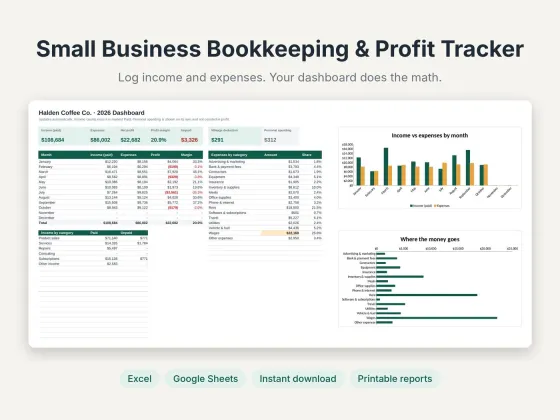 Small Business Bookkeeping & Profit TrackerTrack income, expenses and profit in one sheet.$11.69View
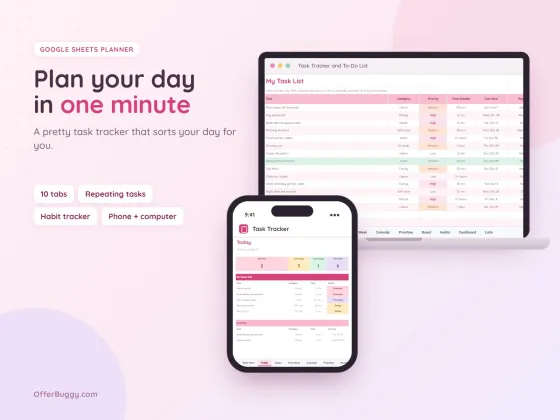 Task Tracker & To-Do List for Google SheetsKeep every job, deadline and follow-up in one place.$6.99View
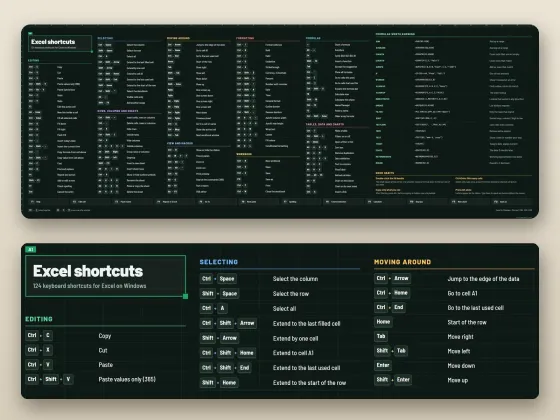 Excel Shortcuts Desk Mat + Cheat SheetThe shortcuts you need, right under your keyboard.$4.49View
Who uses it
Most email services cap attachments at 20–25 MB. Get scans well under that.
Job sites, school portals and government forms often allow only 2–10 MB.
Phone scans are huge. Compression often cuts them by 70–90%.
Keep years of receipts and records without filling your drive.
What you get, free
- Three strength levels
- Shows the size before and after
- Warns you if the file is already small
- No daily limit
- No watermark
- Nothing uploaded
How to compress PDF
- Choose your PDF. You see its current size.
- Pick Balanced for printing, Strong for email, or Extreme for the smallest file.
- Press Compress PDF and watch the progress.
- The smaller PDF downloads with "-compressed" in the name.
How this compression works
Each page is redrawn as a carefully compressed image at a lower resolution. That is what shrinks scans and photo-heavy PDFs so much. The trade-off is that text becomes part of the image, so it can’t be selected or searched afterwards.
Which level to pick
Balanced stays sharp enough to print. Strong is the best match for email and uploads, and text stays easy to read. Extreme is for strict limits like 1–2 MB; small print may look softer.
Private by design
Your PDF is opened inside your own browser and never uploaded, so it is safe for contracts, IDs, medical forms and bank papers.
OfferBuggy vs Smallpdf Pro
Tips for the best result
- Keep your original, and send the compressed copy.
- If a text-only PDF comes out bigger, it was already small; the tool tells you to keep the original.
- Merging many scans? Compress once at the end.
Questions
How much smaller will my PDF get?
Scans and photo-heavy PDFs often shrink 60–90%. PDFs that are mostly text are usually small already.
Can I still select the text?
No. Compression turns pages into images. Keep your original if you need to copy text.
Is it safe for private documents?
Yes. The file is processed on your own device and is never sent to OfferBuggy or anyone else. Close the page and nothing is left behind.
Does it work on iPhone and Android?
Yes. It works in Safari and Chrome on phones and tablets, with no app to install.