Bank statement PDF to Excel, free
Upload a statement PDF and get every transaction as rows with date, description and amount. Open it in Excel or Google Sheets. All pages, no limits.
or drop it here
Works with text PDFs downloaded from online banking. Scanned paper statements need to be retyped.
Now keep your numbers organized
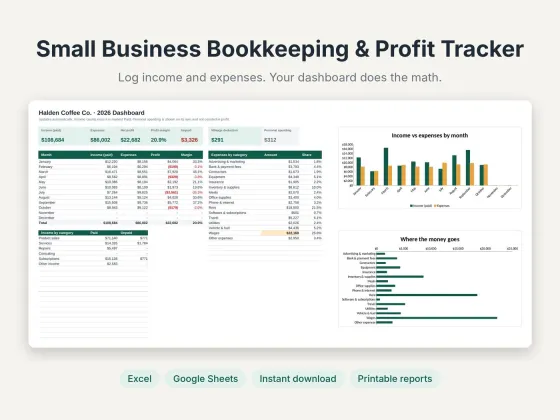
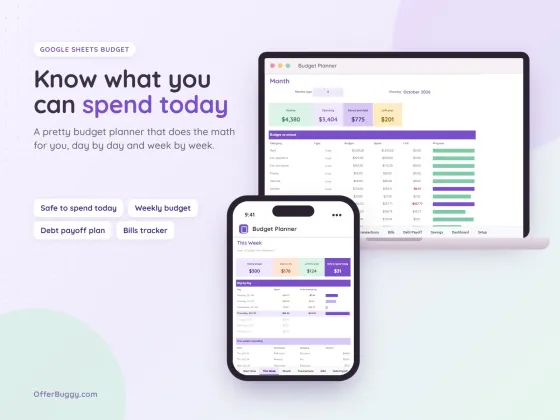
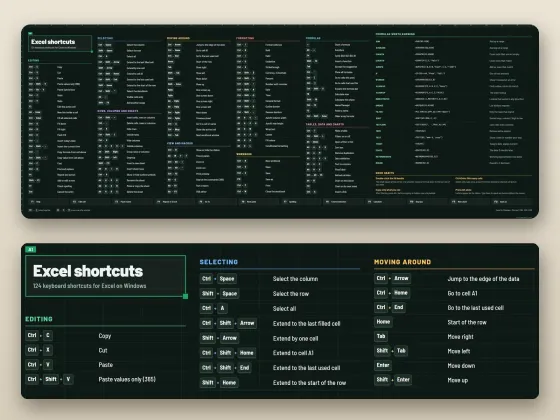
Free tools are on us. These OfferBuggy downloads pick up where this tool leaves off.
Who uses it
Get months of transactions into a spreadsheet to categorize for your books.
Add up deductible expenses without typing every line.
Total deposits and income quickly when a lender asks.
See where money goes by sorting and totaling spending.
What you get, free
- Every page of the statement
- Date, description, amount and balance
- Totals at the bottom
- Download for Excel or copy into Google Sheets
- No page limit
- Nothing uploaded
How to bank statement to Excel
- Download your statement as a PDF from your online banking.
- Upload it here. Every page is read, however long the statement is.
- Check the transactions in the table against your statement.
- Press Download for Excel, or copy the table straight into Google Sheets.
Checking your results
Statements look different at every bank, so always compare a few rows and the total with your statement. Money in shows as positive and money out as negative when the statement marks it that way.
Private by design
Your statement is read inside your own browser and never uploaded. That matters for account numbers and balances.
OfferBuggy vs DocuClipper
Tips for the best result
- Download statements as PDFs from your bank’s website, not as photos.
- In Excel, use Data › Filter to sort by description and total each category.
Questions
Which banks does it work with?
It reads text PDFs from most US banks and card issuers, such as Chase, Bank of America, Wells Fargo, Capital One and credit unions. Always check a few rows against your statement.
Does it work with scanned statements?
Not yet. Scanned paper statements are pictures, not text. Download the PDF from your online banking instead.
Is it safe for my bank statement?
Yes. The PDF is read inside your browser and never uploaded, so nobody else sees your transactions.
How do I open the file in Excel?
The download is a CSV file. Double-click it, or open Excel and choose File, then Open.