Add page numbers to a PDF, free
Add page numbers in the corner or center, in the style you want, like "3" or "Page 3 of 12". Start from any number.
or drop it here
Less paperwork, more business
Free tools are on us. These OfferBuggy downloads pick up where this tool leaves off.
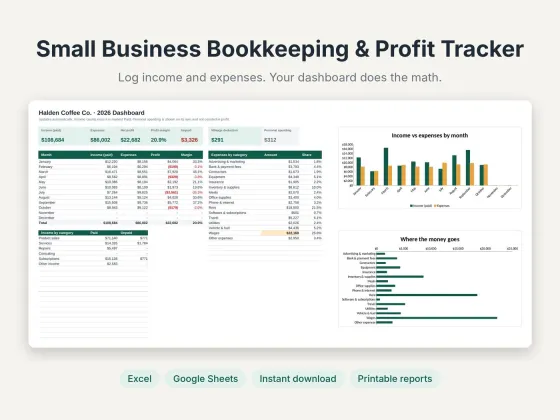 Small Business Bookkeeping & Profit TrackerTrack income, expenses and profit in one sheet.$11.69View
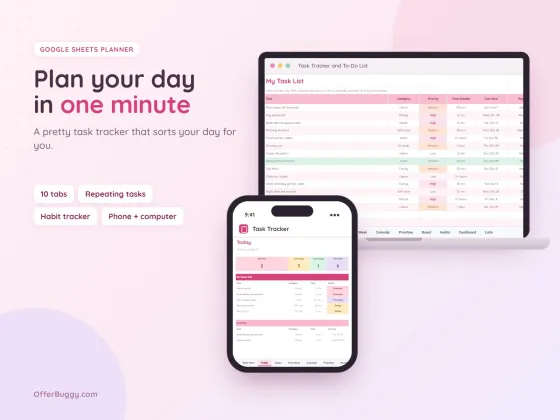 Task Tracker & To-Do List for Google SheetsKeep every job, deadline and follow-up in one place.$6.99View
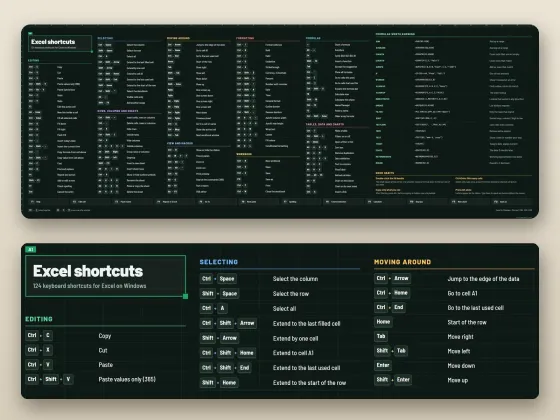 Excel Shortcuts Desk Mat + Cheat SheetThe shortcuts you need, right under your keyboard.$4.49View
Who uses it
Number pages the way schools and clients expect.
Number exhibits and filings so pages can be referred to.
Make long documents easy to navigate in print.
Number pages after combining several PDFs.
What you get, free
- Bottom center, bottom corners or top right
- "3", "Page 3" or "Page 3 of 12"
- Start from any number
- Skip the cover page
- Clean, readable font
- Nothing uploaded
How to add page numbers to PDF
- Choose your PDF.
- Pick where numbers go and the style.
- Set the starting number, and skip the first page if it is a cover.
- Press Add page numbers.
Matching school and office rules
Most style guides put numbers at the bottom center or bottom right. If your title page should not show a number, choose "Skip first page" and start at 1 so the next page shows 1.
Private by design
Your PDF is opened inside your own browser and never uploaded, so it is safe for contracts, IDs, medical forms and bank papers.
OfferBuggy vs Acrobat Pro
Tips for the best result
- Merge your files first, then number them, so numbering runs through the whole document.
Questions
Can I start numbering at a page other than 1?
Yes. Set "Start at" to any number, for example 5 if it continues from another file.
Can I leave the cover page without a number?
Yes. Choose "Skip first page".
Is it safe for private documents?
Yes. The file is processed on your own device and is never sent to OfferBuggy or anyone else. Close the page and nothing is left behind.
Does it work on iPhone and Android?
Yes. It works in Safari and Chrome on phones and tablets, with no app to install.