Animated Stream Overlays
1 dealMoving overlays for every part of your stream, with your own name on them. Add them to OBS or Streamlabs as a browser source in a minute.
About Stream Overlays
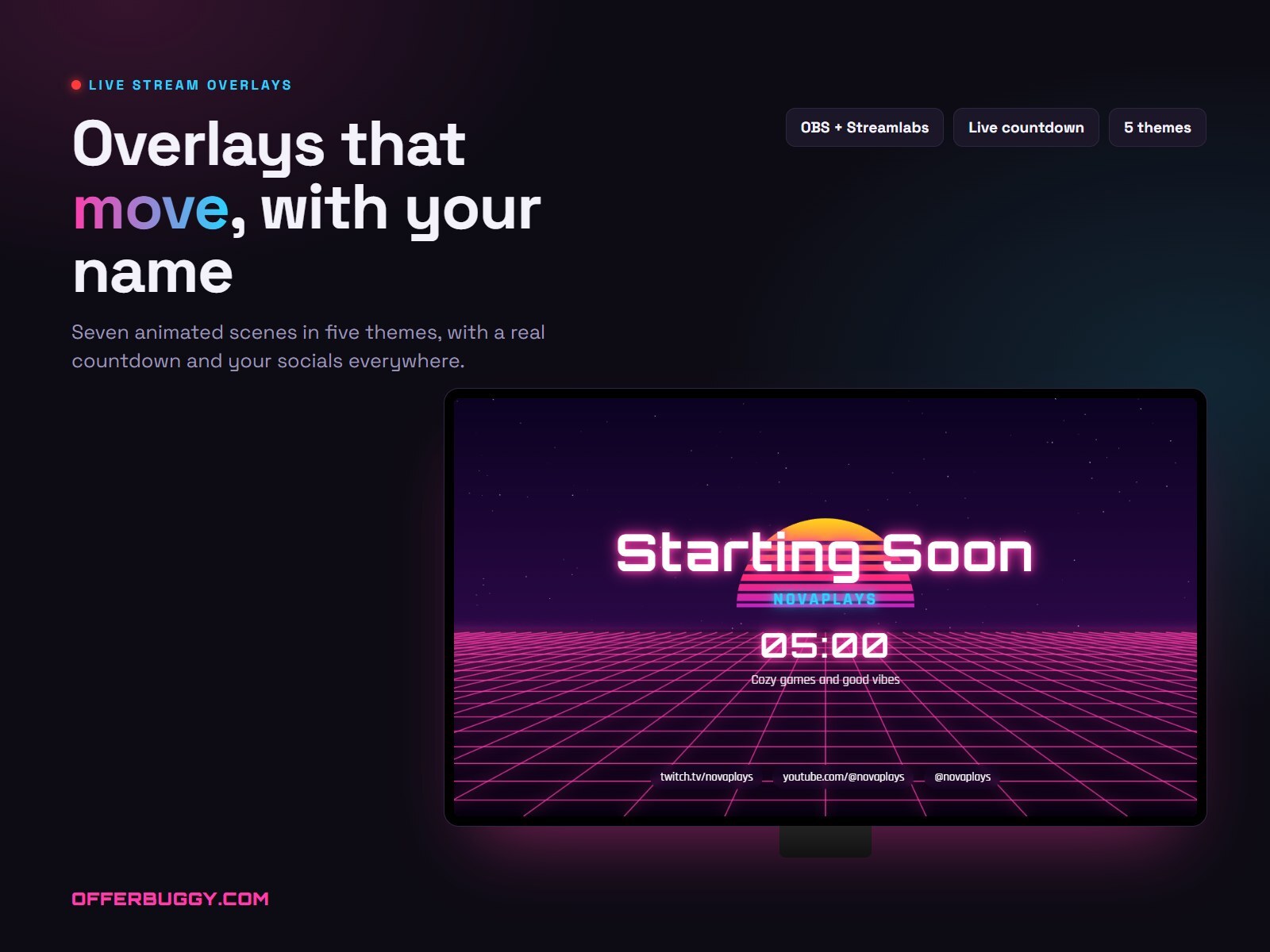
A finished-looking stream needs more than a webcam frame. This pack gives you every scene: Starting Soon, Be Right Back, Just Chatting, Gameplay with a webcam frame, and Stream Ending, all in a matching animated style.
Choose from 5 themes, type your channel name and social handles, and preview every scene in your browser. Each scene is a link you paste into OBS Studio or Streamlabs as a browser source, so the animation runs smoothly and there are no big video files to manage. The Just Chatting layout leaves clear windows for your camera and chat.
Want a new name or theme later? Open your order link, change it, and copy the new scene links into OBS.
What you get
- 5 themes, 7 scenes, all animated
- Works in OBS Studio and Streamlabs as a browser source
- Your channel name and handles built in
- Live preview before you buy
Questions
How do I add the overlays to OBS?
Copy a scene link from your order page, add a Browser source in OBS or Streamlabs, paste the link and set the size to 1920 × 1080.
Which scenes are included?
Starting Soon, Be Right Back, Just Chatting, Gameplay with a webcam frame, Stream Ending and more, in each of the 5 themes.
Can I change my name later?
Yes. Open your order link, change anything, and copy the new scene links into OBS. There are no files to download.
Will it slow down my stream?
The scenes are light browser animations made for streaming. They run inside OBS like any browser source.